
Designing Role-Based Access for a Public Safety AI Platform
Role
Sole UX/UI Intern
Type
Internship
Tools
Figma · React
Timeline
2 months
Year
2024
Overview
BlueVoice is an AI assistant for police officers, giving departments instant access to laws, policies, and documents in the field. As the sole UX/UI intern at a pre-seed public safety startup, I designed the admin panel from scratch: a web-based back-end system with role-based access for admins and superadmins.
Beyond design, I contributed to front-end development, pushed PRs in React, and turned research insights into backlog tickets.
Problem
No admin panel existed.
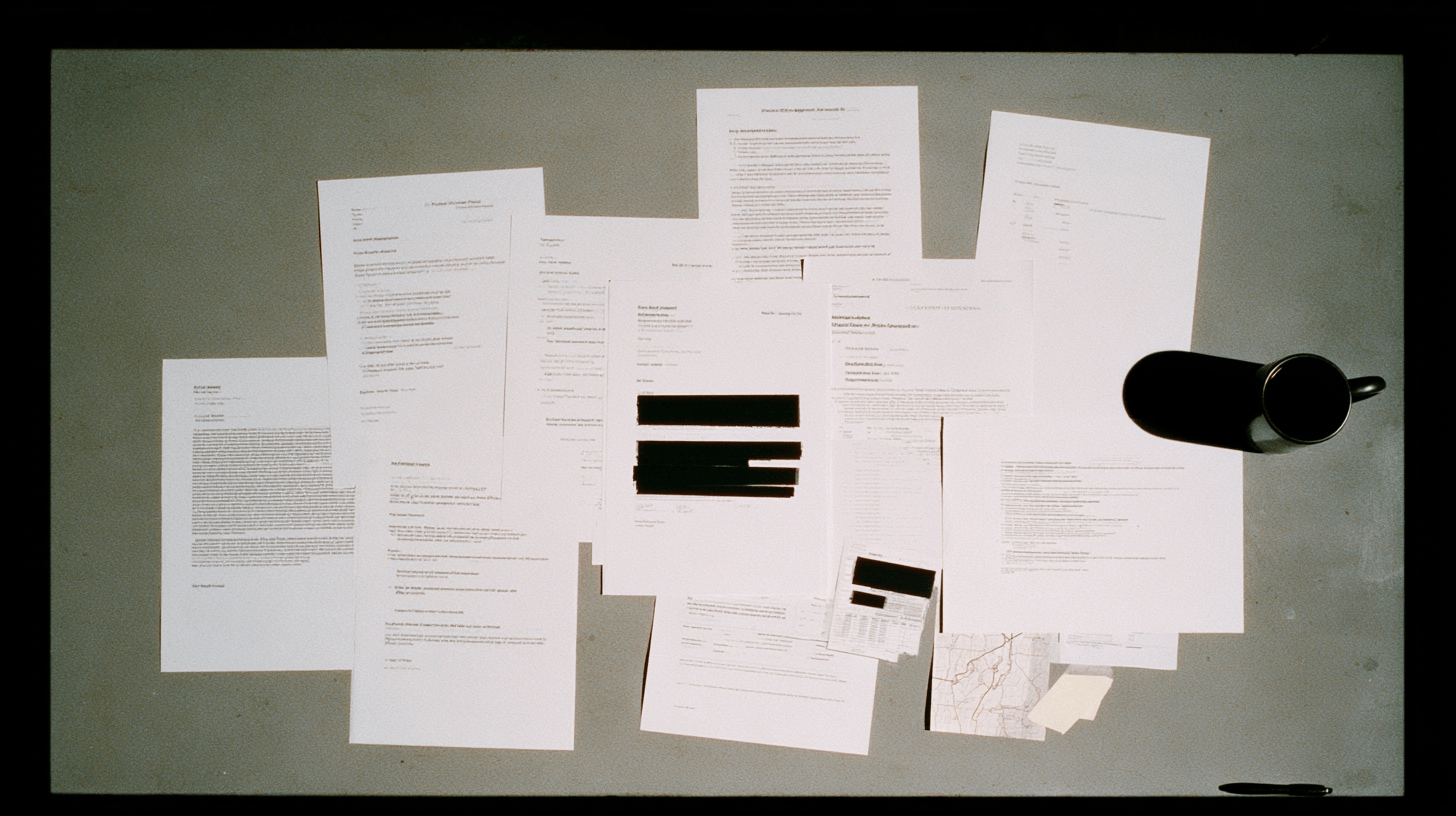
BlueVoice had a powerful officer-facing product but no back-end for departments to manage their content. Many law enforcement departments were still relying on physical binders and paper documents to manage policies and procedures in the field. No structured way to upload, organize, or distribute documents digitally. No distinction between what admins and superadmins could do. I was brought in to build it from scratch.
How might we
How might we design a single system that serves two completely different users without creating confusion for either one?
Research
Understanding two types of users.
Before designing anything, I mapped out the distinct needs of each user type. Admins were typically department staff who needed to access and distribute documents. Superadmins were senior administrators responsible for keeping the system current and accurate.
After interviewing 7+ officers and department administrators, two distinct user types emerged.
Admin
View and Search
Superadmin
Manage and Control
Note: Law enforcement officers often access these documents on MDT screens in vehicles during active situations. This shaped decisions around contrast, type size, and touch targets throughout the panel.
Solution
One system. Two experiences.
I designed a single admin panel with role-based access control. The same interface adapts based on whether the user is an admin or superadmin. Admins see a clean document library with search. Superadmins see the same library plus upload, edit, and management controls.
Design Decisions
Why we built it this way.
Intentional friction over easy mistakes.
Uploading the wrong document in a law enforcement context isn't just an inconvenience. It could mean officers reference outdated policies in the field. We added a 5-second progress loader before publishing to force a moment of review. The friction is the feature.
Search as primary navigation, not a secondary feature.
Documents in a law enforcement context need to be found fast, often in high-pressure situations. I designed search as the primary entry point with category filters (Policies, Laws, Training, BOLOs) to narrow results quickly.
Notifications as a bridge between roles.
Superadmins and admins operate in the same system but rarely interact directly. When a superadmin uploads a new document, admins need to know without checking the library manually. We built a notification system that alerts admins the moment a document is published, with a direct link to acknowledge it.
Outcome
Shipped and running.
The admin panel launched and is now used by law enforcement departments across the U.S. Role-based access reduced accidental actions and simplified document management for both admins and superadmins. Advanced search cut the time staff spent locating documents significantly.
$50K+
Annual savings from improved document management efficiency
200+
Law enforcement agencies using the platform
Reflection
What I learned.
Designing for high-stakes users requires ruthless clarity.
Law enforcement staff don't have time for confusing interfaces. Every decision, from information hierarchy to button placement, had to prioritize speed and accuracy over visual complexity.
Role-based design is as much about what you hide as what you show.
The superadmin experience wasn't just about adding features. It was about making sure those features didn't bleed into the admin experience. Progressive disclosure and role-gating kept both interfaces clean.
Building from zero is a different kind of challenge.
There was no existing system to reference or improve. I had to define the problem, the users, and the solution simultaneously. It taught me how to create structure from ambiguity.
Testimonials
“Rhythm was instrumental in researching, designing, and shipping multiple features across our web and mobile apps. She went beyond her primary duties, pushing PRs in React, writing e2e tests, and turning research insights into backlog tickets. I would easily recommend her to any team.”
Anissa Tran
Sr. Frontend Engineer, BlueVoice
“Rhythm designed thoughtful solutions, including a reusable component library rather than copy-pasted mockups, and showed tremendous initiative throughout. I highly recommend her for any UI/UX role.”
Amit Patankar
CEO, BlueVoice